Plotting API
This section describes the plotting API of cesiumpy. Plotting API allows
to add multiple entites at a time easily. You can call each plotting methods
via Viewer.plot accessor.
Scatter
Viewer.plot.scatter draws multiple Point entity accepting following keywords.
Both x and y must be provided at least.
x: Longitudey: Latitudez: Heightsize: Pixel sizecolor: Color
>>> v = cesiumpy.Viewer()
>>> v.plot.scatter([130, 140, 150], [30, 40, 50])
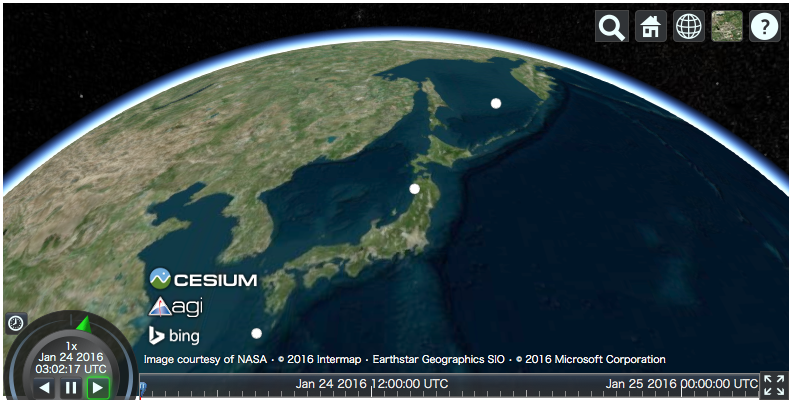
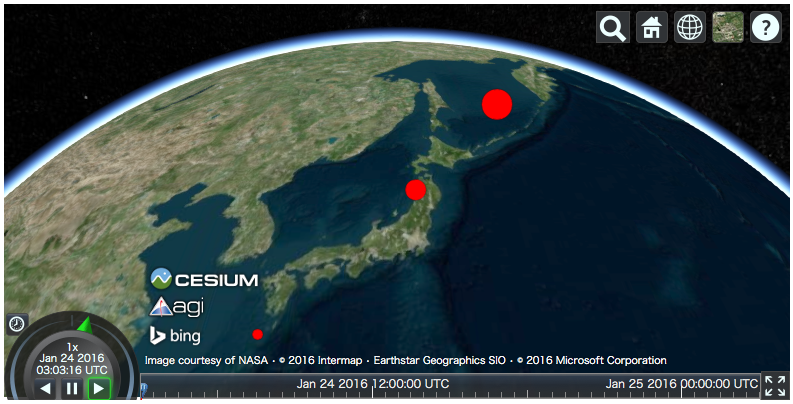
For other keywords, you can use list or scalar. When list is passed,
each element is used in the corresponding entity. If scalar is passed,
all entities use the specified value.
>>> v = cesiumpy.Viewer()
>>> v.plot.scatter([130, 140, 150], [30, 40, 50],
...                size=[10, 20, 30], color=cesiumpy.color.RED)
Bar
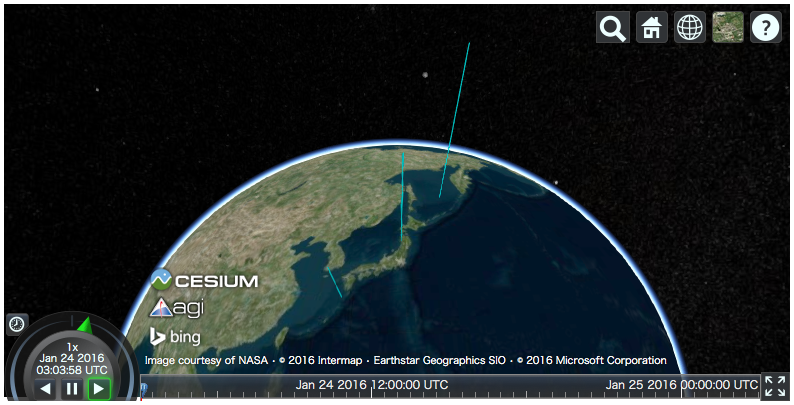
Viewer.plot.bar draws 3d bar using Cylinder entity accepting following keywords.
x, y and z must be provided at least.
x: Longitudey: Latitudez: Heightsize: Radiuscolor: Colorbottom: Bottom heights
>>> v = cesiumpy.Viewer()
>>> v.plot.bar([130, 140, 150], [30, 40, 50],
...            z=[10e5, 20e5, 30e5], color=cesiumpy.color.AQUA)
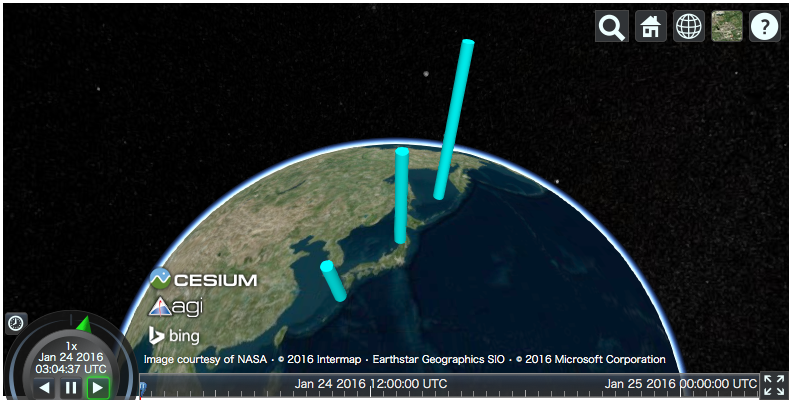
>>> v = cesiumpy.Viewer()
>>> v.plot.bar([130, 140, 150], [30, 40, 50], z=[10e5, 20e5, 30e5],
...            color=cesiumpy.color.AQUA, size=1e5)
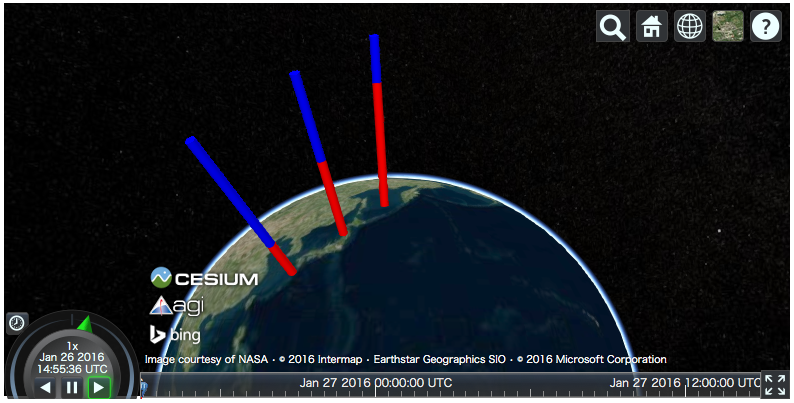
Specifying bottom keyword allows to draw stacked bar plot.
>>> v = cesiumpy.Viewer('viewertest')
>>> v.plot.bar([130, 140, 150], [30, 40, 50], [1e6, 2e6, 3e6],
...            size=1e5, color=cesiumpy.color.RED)
>>> v.plot.bar([130, 140, 150], [30, 40, 50], [3e6, 2e6, 1e6],
...            size=1e5, color=cesiumpy.color.BLUE,
...            bottom=[1e6, 2e6, 3e6])
Label
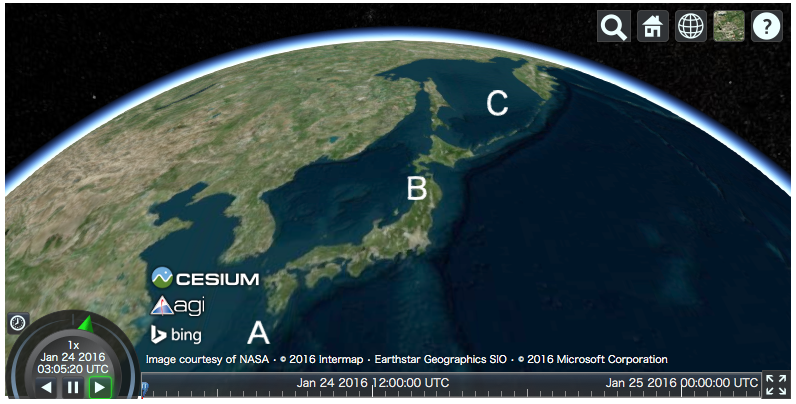
Viewer.plot.label draws texts using Label entity accepting following keywords.
text, x and y must be provided at least.
text: Labelsx: Longitudey: Latitudez: Heightsize: Text sizecolor: Color
>>> v = cesiumpy.Viewer()
>>> v.plot.label(['A', 'B', 'C'], [130, 140, 150], [30, 40, 50])
Pin
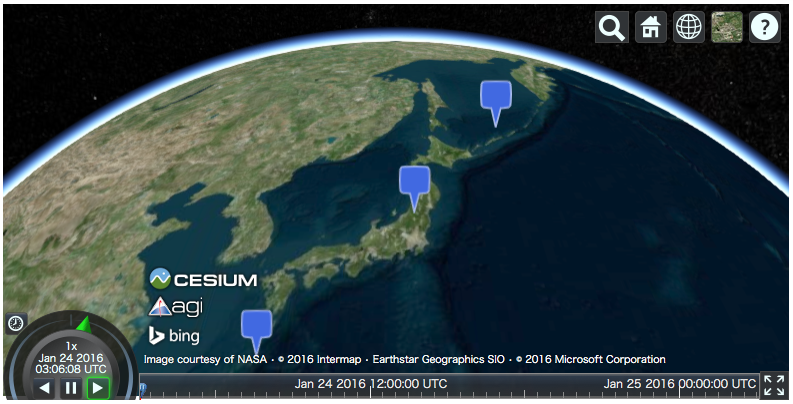
Viewer.plot.pin draws pins using Billboard entity accepting following keywords.
Both x and y must be provided at least.
x: Longitudey: Latitudez: Heighttext: Labelsize: Pin sizecolor: Color
>>> v = cesiumpy.Viewer()
>>> v.plot.pin([130, 140, 150], [30, 40, 50])
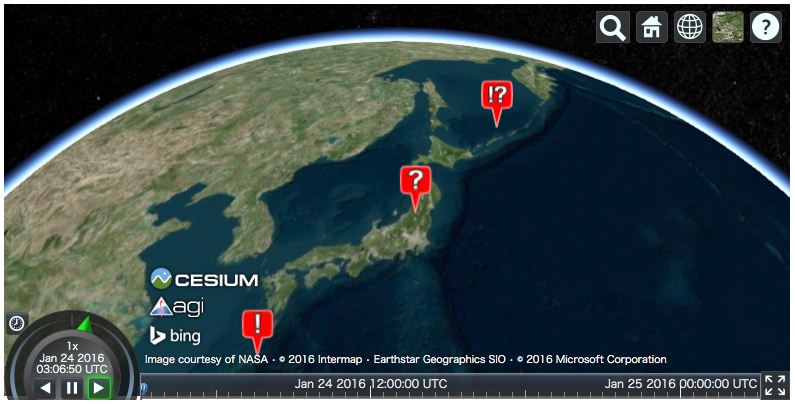
>>> v = cesiumpy.Viewer()
>>> v.plot.pin([130, 140, 150], [30, 40, 50],
...            color=cesiumpy.color.RED, text=['!', '?', '!?'])
Specifying Color
You can colorize each entity using cesiumpy.color.Color instance. Common
colors are defined under cesiumpy.color. Refer to Cesium Documentation to see the list of constants.
>>> cesiumpy.color.AQUA
Color.AQUA
Also, you can pass RGB or RGBA values to instanciate Color.
# RGB
>>> cesiumpy.color.Color(1, 0, 0)
Color(1.0, 0.0, 0.0)

# RGBA
>>> cesiumpy.color.Color(1, 0, 0, 0.5)
Color(1.0, 0.0, 0.0, 0.5)
If you want to use str representation, use fromString method.
>>> cesiumpy.color.Color.fromString("#FF0000")
Color.fromCssColorString("#FF0000")
There are 2 functions to prepare color at random.
choice: Get a single color constant randomly.sample: Get alistof random color constants with specified length.
>>> cesiumpy.color.choice()
Color.DARKSLATEGREY

>>> cesiumpy.color.sample(3)
[Color.THISTLE, Color.PINK, Color.DARKKHAKI]
ColorMap
Also, cesiumpy has ColorMap class which internally uses matplotlib ColorMap.
This is convenient to prepare multiple colors based on external values.
>>> cmap = cesiumpy.color.get_cmap('winter')
>>> cmap
ColorMap("winter")

>>> cmap(0.5)
Color(0.0, 0.501960784314, 0.749019607843, 1.0)

>>> cmap([0.2, 0.6])
[Color(0.0, 0.2, 0.9, 1.0), Color(0.0, 0.6, 0.7, 1.0)]